Get Client App Up and Running
Note
This section requires you to execute commands.
For the frontend client app, we use React, a JavaScript library for building user interfaces.
We refer to this client app as a React app, or simply a ReactApp.
As described in the project-structure-target section ReactApp code is in the client directory.
First, we need to install all software dependencies for ReactApp and then we can run it.
Install ReactApp Dependencies
All the ReactApp dependencies are configured in the package.json file in the client
directory as follows.

Open a new terminal in the client directory and
use the following command to install all dependencies.
npm install
Run ReactApp
After successfully installing all the dependencies, run the following command to start the ReactApp.
You can use the same terminal in the client directory which was used to run the above command.
npm run start
This command will start the ReactApp on network port 3000 in your machine.
Before running this command, check to make sure your network port
3000 is free for use. If any process is already running on network port 3000,
you can kill the process and run above command again.
If all commands execute successfully, you can access the ReactApp from a browser.
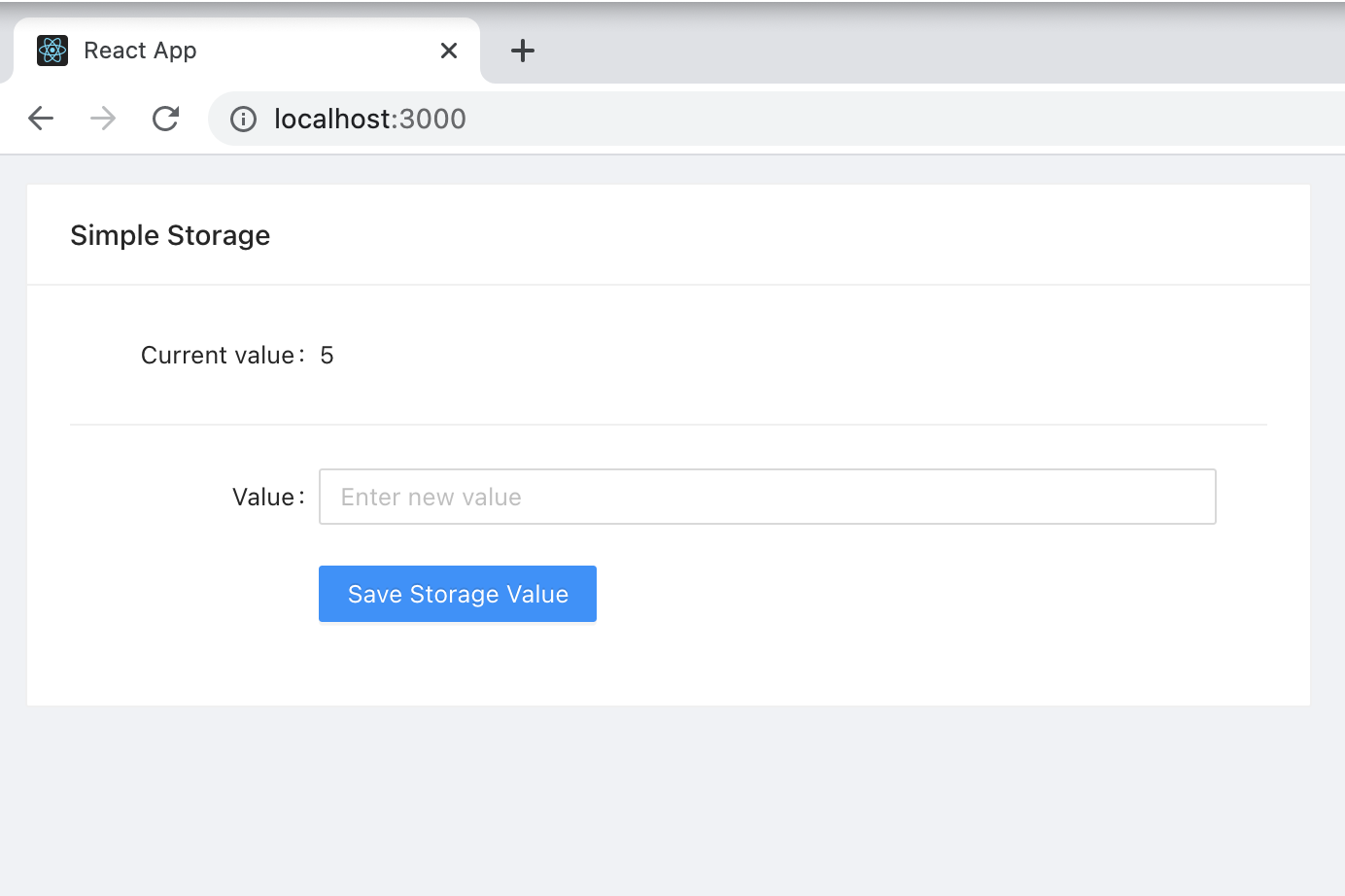
Use Google Chrome browser and go to localhost:3000. You will see the following UI, which is the frontend client for the Simple Storage dApp.